
How to restore sent e-mails in Microsoft Outlook
One of the many advantages of using Microsoft Outlook is that it has the possibility of getting back the messages we have previously sent, as long as a few condition are met, these messages will be able to be restored.

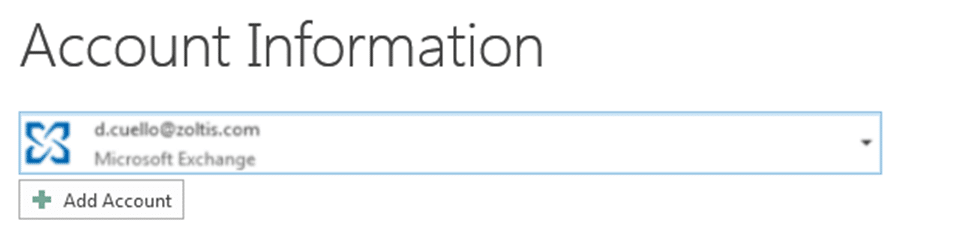
Initially it is necessary to check the type of mail that we have configured in Microsoft Oulook , this can be done by clicking on the File menu.

Now, it will be possible to restore sent e-mails as long as these e-mails have not been read by the recipient, to do so we follow these simple steps.
We click in the the sent items folder to see the e-mails in the sent items outbox

Select the sent e-mail you would like to restore and double click on it to open it

Finally, to restore it we click on the more dropdown menu, click on “restore this message”
After doing so this sent e-mail message will appear in a window asking for the options with which we would like to restore the message, we choose “erase copies not read of this message” and check “notify of restore for each user”
Click on Accept
If the sent message has not been read for the recipients, we will receive a confirmation message telling us that the restoration has been a success.
0 Comments